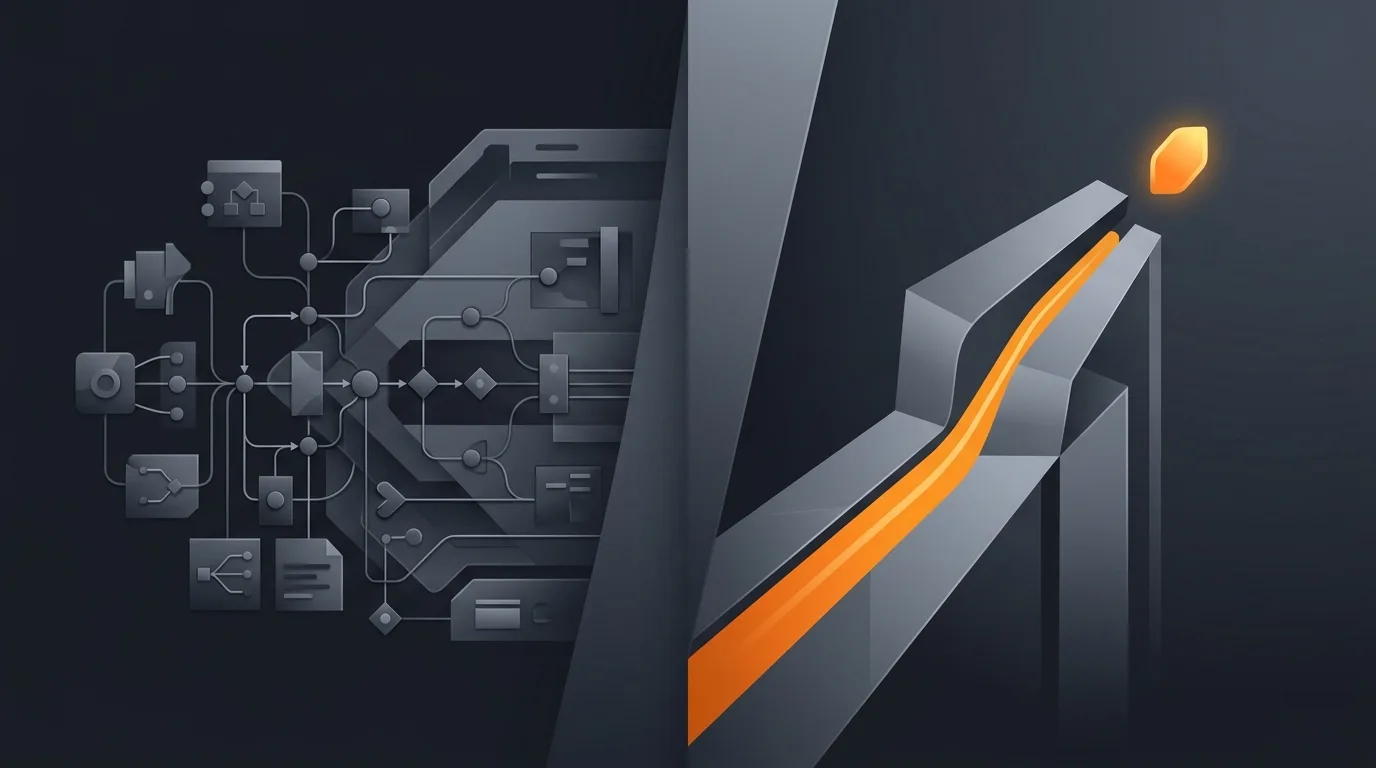
Lindy is one of the cleaner products in the 2026 AI agent market. The UI is calm and the demos are polished. The team has earned its standing. Even so, Lindy and Gravity are solving the same problem with opposite philosophies, and the right purchase depends on which philosophy fits how your work actually happens.
This piece walks through what Lindy is in 2026, what Gravity does differently, and the moments where one wins decisively over the other. It is specific about pricing, capability, and migration cost. Some of it is uncomfortable for Gravity (a few categories Lindy clearly wins). The point is an honest read, not a sales pitch for the wrong tool.
What Lindy is, and where it actually shines
Lindy was founded by Flo Crivello, who previously founded the virtual-office startup Teamflow, and announced public availability in late 2023. The product packages "Lindys", named AI agents built on a visual node graph. Each Lindy has a trigger (new email, schedule, webhook), one or more actions (send a Slack message, draft a reply, search the CRM), and decision logic between them. Inside many of those nodes you can drop an LLM call, which is where the agent framing comes from.
The actual canvas
Open a Lindy and you see a flow. Boxes and arrows. Conditions. Loops over an array of inputs. If you have used Zapier or Make, the metaphor is immediately familiar. The improvement over a pure workflow tool is that an LLM step inside a node can do fuzzy work (classify an email, summarise a meeting), so the workflow handles things that pure deterministic tools could not.
Where Lindy is excellent
Three places where Lindy is the clear recommendation. Customer support triage where the flow is mostly deterministic with one fuzzy classification step. Calendly-style scheduling assistants where the conversation states are bounded. CRM data hygiene where the flow is rules-plus-judgement and the team wants to see every step on a canvas. In each case the work is workflow-shaped, and a workflow builder with AI nodes is faster than wiring an agent from scratch.
What Gravity does differently
Gravity removes the canvas. You describe the outcome you want in plain language. The agent constructs and executes a plan, calls tools as needed, recovers from transient errors, and reports back. There is no graph you assemble. There is no canvas you debug. The agent owns the loop. This is the "describe outcome, not workflow" thesis. For the deeper version of the argument see describe outcome, not workflow and the case against workflow platforms.
The trade-off is honest. By removing the canvas, Gravity gives up visual auditability in exchange for adaptive behaviour. Lindy can show you exactly which node fired. Gravity shows you what the agent decided and why, but the decision tree was not drawn in advance.
What lives behind the prompt
Underneath the outcome description, Gravity runs a planner, a tool registry, a memory store, a recovery layer, and a monitoring pipeline. Each of those is heavier than a Lindy node, and the integrations are pre-built rather than user-assembled. See how AI agents work for the deeper architecture and AI agent orchestration for the runtime view.
Side-by-side capability comparison
The honest comparison runs along seven dimensions. Below is how the two products stack up as of July 2026.
| Dimension | Lindy | Gravity |
|---|---|---|
| Authoring model | Visual node graph | Plain-language outcome |
| Mental model required | Triggers + actions + branches | What outcome do you want? |
| Adaptive behaviour | Conditional branches you wrote | Agent re-plans on failure |
| Time to first agent | 15-30 minutes to draft a useful Lindy | Under 60 seconds for the deploy step |
| Visual auditability | Excellent, every node is visible | Decision logs, not a canvas |
| Integrations breadth | 4000+ via Lindy's library and Zapier bridge | Native integrations for top SaaS, MCP for the long tail |
| Best buyer | Ops people fluent in Zapier-style builders | Founders and operators who want outcomes |
Two of the seven rows favour Lindy outright (visual auditability, integrations breadth in absolute count). Three favour Gravity (mental model, adaptive behaviour, time to first agent). The remaining two are genuinely buyer-dependent. That asymmetry is real and you should weight it by what your work looks like, not by which product sounds more modern.
The workflow-vs-outcome split, and why it actually matters
Across many teams the same pattern repeats. Someone models a process as a workflow, draws it out, ships it, then watches reality move and the workflow break. The Stripe payment fails not because of a card decline but because the customer's bank requires 3DS reauth on a new device, which the "retry once" branch did not anticipate. The Slack approval chain stalls because the approver is on PTO. The inbox triage misclassifies because the sender changed their email domain.
Each break requires redrawing the workflow. A real agent loop does not redraw the workflow; it re-plans within the bounds of the outcome. According to a 2024 McKinsey report on generative AI, between 60% and 70% of knowledge-worker time could be automated, but only when delivered as deployed automation that adapts to inputs, not as static workflows (McKinsey, 2024). That is the gap between workflow tools with AI nodes and agent platforms.
For the failure modes that make this concrete, see AI agent failure modes and AI agent vs workflow automation.
Pricing reality
Lindy publishes pricing on its site. As of August 2026 there is no free plan; the individual tiers are Plus at $29.99 per month per user, Pro at $99.99 per month, and Max at $199.99 per month, each with a 7-day free trial and no credit card required, plus a custom Enterprise tier (Lindy pricing, retrieved 2026-07-02). The trial week is the way to confirm the Plus usage cap fits your volume before paying.
Gravity is in private alpha. Pricing is subscription plans: a free tier, then from $20/month with usage included, rather than per-seat. See AI agent cost models for the broader pricing discussion.
When Lindy is the right choice
Three signals say Lindy is the better purchase. First, your team already thinks in Zapier-style workflows; you have ops folks who can model triggers and actions in their head. Second, your tasks are predictable in shape; the same five steps run every day and the AI step is one of them, not the whole task. Third, you value being able to point at a canvas and explain "this is exactly what runs", which matters for compliance-heavy industries.
If those three are true, you will be happier with Lindy than with Gravity. The build-vs-buy decision still applies; see build vs buy AI agent for the framework.
When Gravity is the right choice
Three opposite signals say Gravity is the better purchase. First, you cannot draw your task as a flowchart in advance. You know the outcome but the path varies. Second, recovery matters more than auditability; when the SaaS rate-limits you, you want the agent to back off and retry intelligently, not your retry branch to fire blindly. Third, the buyer is a founder or ops lead who does not want to maintain a canvas.
The deeper bet is that as model capabilities improve through 2026 and beyond, the value of the workflow canvas decays. The agent gets smarter; the canvas does not. For the broader argument see AI agent vs chatbot vs assistant.
Migration: what changes if you switch
If you have Lindys today and you are considering moving to Gravity, three practical things change. Authoring shifts from canvas to outcome description; you spend less time building, more time describing. Debugging shifts from "which node failed" to "what did the agent decide"; the decision logs replace the node-by-node trace. Integrations shift from per-node configuration to a tool registry the agent consults; you wire credentials once per service, not per workflow.
The reverse migration (Gravity to Lindy) is harder. Once the agent owns the loop, going back to drawing the workflow feels regressive. Lindys are easier to draw the first time and Gravities are easier to live with once deployed; the migration cost is in the direction of canvas-to-outcome, not the other way.
Frequently asked questions
What is the main difference between Lindy and Gravity?
Lindy is a visual workflow builder with AI agent framing. You drag trigger and action nodes onto a canvas, similar to Zapier with an LLM layer. Gravity is outcome-native: you describe what you want done, and the agent figures out the steps and adapts when reality changes. The split is build-the-recipe versus describe-the-outcome.
Is Lindy actually a no-code agent platform?
Lindy markets as a no-code AI agent platform and the marketing is mostly accurate for the chat surfaces. Underneath the agent framing, Lindy still uses a node-and-edge workflow editor where users assemble triggers and actions. The LLM step inside a node makes the workflow smarter than Zapier, but the overall shape stays recipe-based.
How does Lindy pricing compare to Gravity?
Lindy's individual tiers run from 29.99 to 199.99 dollars per month per user with a 7-day free trial and no free plan (Lindy, retrieved 2026-08-13). Gravity is in private alpha; the announced direction is subscription plans with a free tier for one agent, then paid plans from 20 dollars per month with a lot of usage included. The honest comparison is still feature philosophy, not dollars.
When is Lindy the right choice?
Lindy is the right choice when you have a deterministic flow with a small AI step, when you enjoy a visual canvas, and when you want to see every node in your automation. It is also the right call when your team is already fluent in Zapier-style builders and you want a smarter version of that mental model.
When is Gravity the right choice?
Gravity is the right choice when the task changes shape over time, when the buyer cannot model the workflow in advance, when failures need adaptive recovery rather than a hard-coded retry branch, and when the buyer is a non-engineer founder or ops lead who wants outcomes, not a canvas to debug.
Three takeaways before you close this tab
- Lindy and Gravity solve the same job with opposite philosophies. Workflow versus outcome.
- The fit test is your task shape. Drawable as a flowchart? Lindy. Not drawable? Gravity.
- The migration cost is one-way. Outcome-native is harder to abandon once you live with it.
Sources
- Lindy, "Pricing", retrieved 2026-05-14, lindy.ai/pricing
- McKinsey, "The economic potential of generative AI: The next productivity frontier", 2024, mckinsey.com
- Anthropic, "Building Effective Agents", retrieved 2026-05-14, anthropic.com
- Flo Crivello, founder posts on X, retrieved 2026-05-14, x.com/Altimor
- Gravity, "Three startups, three shutdowns", May 2026, three startups, three shutdowns