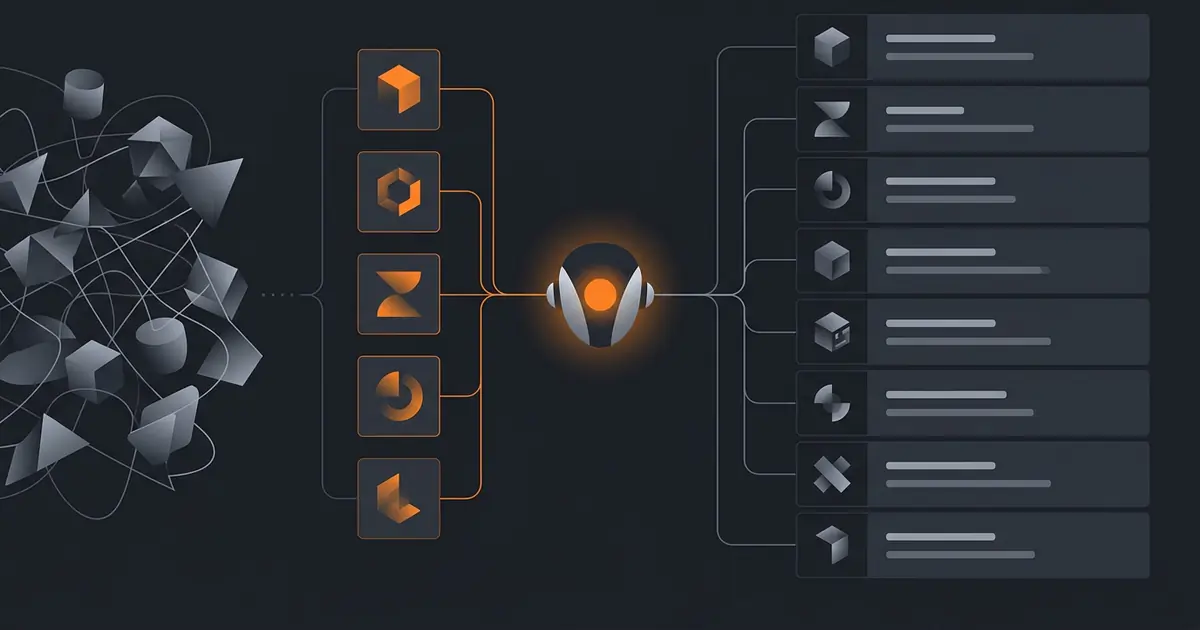
The first agent you ship has three tools. The third one has thirty. Somewhere between three and thirty, reliability cliffs and you cannot tell why. The cliff is real, the causes are predictable, and the mitigations are straightforward. This guide walks the production pattern: how to size the catalogue, what a good tool description looks like, how to structure JSON schemas, when to namespace, when to route through sub-agents, and the failure modes that catch teams.
The framing builds on Anthropic's tool use documentation (docs.anthropic.com/en/docs/build-with-claude/tool-use, retrieved 2026-05-09) and OpenAI's function calling guide (platform.openai.com/docs/guides/function-calling, retrieved 2026-05-09). The cluster post on tool use covers the conceptual model; this post is the operational playbook.
How many tools is too many
Empirically, with frontier models in 2026:
- 1-5 tools: the agent picks correctly nearly every time.
- 5-20 tools: high reliability with good descriptions.
- 20-50 tools: noticeable degradation in tool-selection accuracy.
- 50+ tools: unreliable; the agent confuses similar tools, hallucinates parameters, picks the wrong tool for a solvable task.
The numbers depend on how distinct the tools are. Five tools that all touch email (send, draft, search, archive, label) confuse the agent more than five tools that touch different surfaces. Distinctness, not count, is the real metric.
If you need more than 20 tools, do not stuff them all into one agent's catalogue. The architectural fix is sub-agent routing (covered below).
Writing tool descriptions
Three sentences:
- What the tool does. One sentence, active voice, specific. "Sends an email to a recipient with a subject and body." not "Email functionality."
- When to use it. "Use when the user has explicitly approved sending; use when the recipient is on the allow-list."
- When NOT to use it. "Do not use to draft (use draft_email); do not use for internal Slack messages (use post_slack_message)."
The third sentence is the one most teams skip. Without it, tools get over-applied. The agent reaches for send_email when it should have reached for post_slack_message because no one told the agent that send_email is the wrong choice for Slack-style notifications.
Anthropic's tool use guide documents that descriptions are part of the prompt the LLM reads at decision time. They are not metadata; they are instructions. Write them with the same care as your system prompt.
JSON schema discipline
Every tool has a JSON schema for its parameters. The schema is the contract. Two rules:
Strict validation at the tool wrapper. Before calling the underlying API, validate the agent's arguments against the schema. Reject and return a clear error on any violation. The agent sees the error in the next loop iteration and retries with corrected arguments.
Use enums where possible. If a parameter has 5 valid values, declare an enum with those 5 values. The LLM is much less likely to hallucinate when the valid set is finite. Free-text parameters are where hallucinations live.
| Pattern | Reliability |
|---|---|
| Enum with 3-5 values | Excellent |
| String with format (date-time, email, uuid) | Very good |
| String with regex pattern | Good |
| Free-text string | Risky |
| Object with optional fields | Risky if many optional fields |
Required-vs-optional matters too. Mark all parameters required when feasible, even if "missing" is acceptable upstream. The LLM is more reliable when it knows exactly what it must produce.
Naming and namespacing
Verb-noun snake_case. send_email, query_crm, schedule_meeting. Avoid:
- Abstract names:
do_thing,process_data,handle. The LLM cannot match these names to tasks. - Adjective-only names:
fast_search,safe_send. The LLM does not always interpret the adjective correctly. - Camel case:
sendEmail,queryCRM. Works fine, but introduces inconsistency with snake_case ecosystem norms.
Namespace by surface when you have multiple tools per surface: slack_post_message, slack_search, slack_join_channel; gmail_send, gmail_search; calendar_create, calendar_query. The namespace prefix helps the LLM disambiguate similar verbs across surfaces.
Sub-agent routing for large catalogues
Beyond 20 tools, the architectural answer is to split: route through a router agent that picks a sub-agent (or a tool group) before the main agent runs.
Pattern:
- Router agent has a small catalogue: 5-10 sub-agents, each with a clear "when to route here" description.
- User request enters the router. Router picks the appropriate sub-agent.
- The selected sub-agent has its own narrow catalogue (5-15 tools) and runs the task.
- Result returns to the user (or to the router if the router orchestrates more sub-agents).
This is the orchestrator-worker pattern in multi-agent systems. It is justified when the tool catalogue grows beyond what one agent can handle reliably. Below 20 tools per agent, sub-agent routing is over-engineering.
The trade-off is cost: each sub-agent run is its own LLM call and its own context. The cluster post on agent economics covers the cost implications. Use sub-agent routing only when monolithic agent reliability has failed; do not start there.
Common multi-tool failure modes
Hallucinated parameters. The agent picks the right tool but invents an argument it does not accept. Mitigation: strict schema validation at the wrapper.
Wrong tool selection on similar tools. The agent picks send_email when it should pick draft_email. Mitigation: clearer "when NOT to use" sentences in descriptions; consider merging if the consequence is negligible.
Tool description drift. The tool's underlying behaviour changes but the description does not. The agent acts on the old description and produces wrong results. Mitigation: tool-description regression tests in the eval suite; update descriptions when underlying behaviour changes.
Catalogue size creep. Each new feature adds a tool; nobody removes old ones; reliability degrades silently. Mitigation: regular catalogue audits, retiring tools that are unused or that have been replaced by better alternatives.
The cluster post on agent failure modes covers tool-related failures in the broader context of agent reliability.
Catalogue audit cadence
Tool catalogues drift. New features add tools, deprecated workflows leave dead tools, and descriptions go stale as underlying APIs change. Run a catalogue audit every quarter:
- List every tool the agent has access to. Tag each with first-shipped date and last-used date.
- Retire tools with zero use in the last 90 days unless they are emergency fallbacks.
- Re-read every description against current behaviour. Flag drift; update or retire.
- Run the eval suite with the updated catalogue. Verify that retiring or updating tools did not regress task success rate.
- Document the audit in your release notes so future maintainers know why a tool disappeared.
The audit takes an afternoon per quarter and saves a week of incident response when something drifts undetected. The cluster post on how we test AI agents covers the broader testing discipline that supports catalogue audits.
Frequently asked questions
How many tools can an AI agent handle reliably?
Reliability degrades noticeably above 20 tools and significantly above 50. Most production agents work best with 10 to 20 well-named, narrowly-scoped tools. Above that range the LLM begins to confuse similar tools, hallucinate parameters, or pick the wrong tool for a task it could solve. If you need more than 20 tools, route by sub-agent or namespace before tool selection.
What does a good tool description look like?
Three sentences and a clear parameter schema. Sentence one: what the tool does. Sentence two: when to use it. Sentence three: when not to use it. The negative constraint matters as much as the positive description; tools without 'when not to use it' guidance get over-applied. Anthropic and OpenAI both publish guidance recommending this structure.
Should similar tools be merged or kept separate?
Merge when the difference is a parameter (search_email and search_drive merge into search with a source parameter). Keep separate when the difference is consequence (send_email and draft_email stay distinct because the consequences differ). The rule: merge when the LLM choosing wrong is a non-issue, separate when choosing wrong is an incident.
How should tools be named?
Verb-noun, snake_case, namespaced when needed. send_email, query_crm, schedule_meeting, post_slack_message. Avoid abstract names (do_thing, process_data); the LLM matches names to tasks via embedded semantics, and abstract names produce wrong selections. Namespace tools by surface (slack_, gmail_, calendar_) when you have many tools per surface.
What is the most common multi-tool agent failure?
Hallucinated parameters. The LLM picks the right tool but invents an argument the tool does not accept. Mitigation: strict JSON schema validation at the tool wrapper, refuse-and-return-error on schema violations, and a feedback loop where the agent sees the schema error and retries with corrected arguments. Without strict validation, hallucinated parameters silently corrupt downstream systems.
Three takeaways before you close this tab
- 10-20 tools is the sweet spot. Beyond that, route through sub-agents.
- Three-sentence descriptions with a "when NOT to use it" clause.
- Schema validation at the wrapper. Refuse hallucinated parameters loudly.
Sources
- Anthropic, "Tool use", retrieved 2026-05-09, docs.anthropic.com/en/docs/build-with-claude/tool-use
- OpenAI, "Function calling", retrieved 2026-05-09, platform.openai.com/docs/guides/function-calling
- Anthropic, "Building Effective Agents", retrieved 2026-05-09, anthropic.com/engineering/building-effective-agents
- JSON Schema specification, retrieved 2026-05-09, json-schema.org/specification
- Yao et al., "ReAct: Synergizing Reasoning and Acting in Language Models", arXiv:2210.03629, retrieved 2026-05-09, arxiv.org/abs/2210.03629