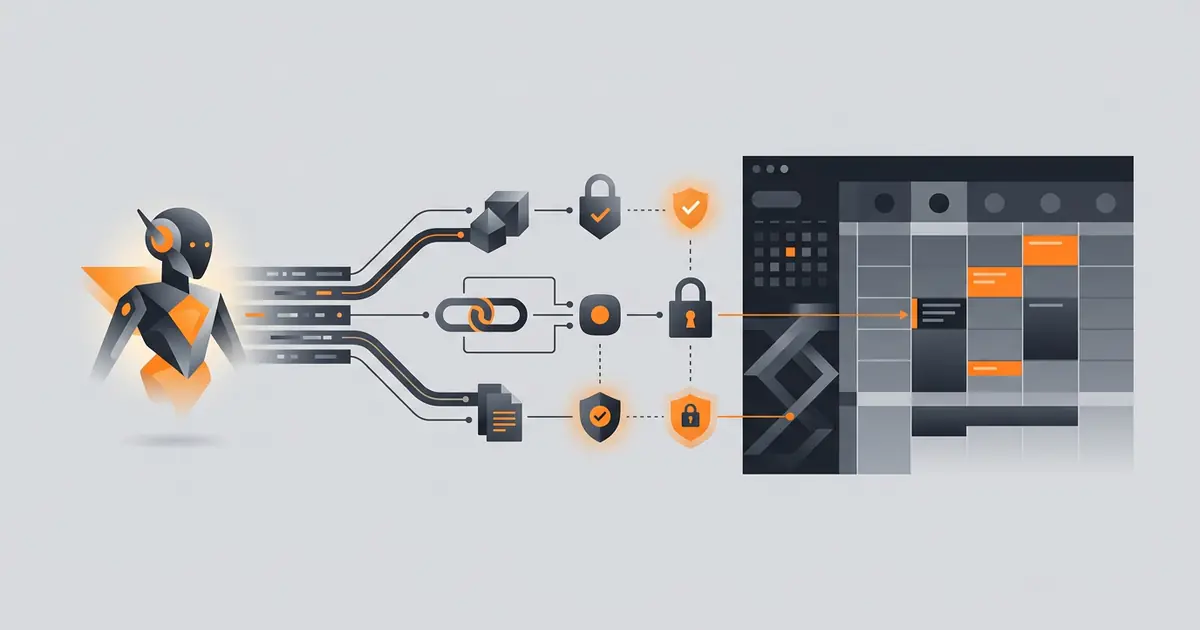
An agent that can put events on your calendar saves an hour a week. An agent that can put events on the wrong calendar costs you a customer. The difference is two layers of allow-listing, an explicit timezone discipline, and a conflict-check pattern. This guide walks the safe path: which auth model to pick, the minimum scopes, how to install, and the four failure modes that catch teams.
Source of truth is Google's Calendar API documentation (developers.google.com/calendar, retrieved 2026-05-09) and the OAuth scope reference (Google OAuth scopes, retrieved 2026-05-09). Where this guide and Google's docs disagree, trust Google.
User OAuth vs service account
Two auth models. Pick one and stick with it for a deployment.
User OAuth. Each end user authorises the agent through Google's consent screen, granting access to their personal calendar. The agent receives a refresh token tied to that user. Right for individual users on Gmail or Workspace where IT is not centrally managing the integration. Revocation is per user via Google's account permissions page.
Service account with domain-wide delegation. A Workspace admin grants a service account permission to act on behalf of users in their domain. The agent acquires short-lived tokens scoped to a specific user. Right for Workspace deployments where IT wants centralised control. Revocation is centralised; audit is centralised.
The same agent codebase can do both, but a single deployment should choose one. Mixing them produces confusing failure modes (a token that works for some users and not others) and complicates incident response.
The minimum scope set
| Scope | Why |
|---|---|
https://www.googleapis.com/auth/calendar.events | Create, modify, delete events on calendars the user owns or has write access to. |
https://www.googleapis.com/auth/calendar.readonly | Read events for context. Required to query availability cleanly. |
https://www.googleapis.com/auth/calendar.calendars.readonly | List calendars (needed for ID enumeration during setup). |
https://www.googleapis.com/auth/calendar.settings.readonly | Read user timezone. Strongly recommended. |
Avoid the broader calendar scope. Google's OAuth verification team treats it as sensitive and the verification process gets slower; users on the consent screen see "manage your calendars" and refuse more often.
Install and verify
For user OAuth:
- Create a project in Google Cloud Console. Enable the Calendar API.
- Configure the OAuth consent screen. Specify the scopes from the table above. Submit for verification if your scopes are sensitive (the calendar.events scope typically requires verification once you exceed 100 users).
- Create OAuth client credentials (web or desktop). Note the client ID and secret.
- Implement the OAuth 2.0 flow. Receive the authorisation code, exchange for refresh token, store the refresh token in your secret manager keyed by user ID.
- Test by requesting events from the user's primary calendar. Verify the timezone returned by
settings.get('timezone').
For service account with domain-wide delegation:
- Create a service account in Google Cloud Console. Generate a key pair.
- In Workspace Admin Console, under Security > API controls, add domain-wide delegation. Specify the client ID of the service account and the scopes from the table above.
- In code, sign a JWT as the service account, exchange for a token with the
subclaim set to the impersonated user's email. - Test by listing events for a known user. Verify the impersonation by checking the event creator email.
The cluster post on giving an agent email access covers the same OAuth verification flow for Gmail; the pattern is similar enough to share infrastructure.
Calendar allow-listing
OAuth grants access to calendars the user owns or is shared into. That includes shared team calendars, project calendars, holiday calendars, and the calendars of people who shared theirs with the user. The agent should not write to any of these by default.
Maintain an explicit allow-list of calendar IDs in the tool wrapper:
- On user setup, fetch the calendar list and present it to the user. Default to the primary calendar only.
- Let the user opt in additional calendars (for example, a "team availability" calendar) explicitly.
- In the create-event tool, validate the target calendar ID against the allow-list. Reject and log any miss.
Calendar names are not stable. "Team" can mean three different things across users. Calendar IDs are unique and immutable. The cluster post on limiting agent actions covers the broader principle of allow-listing.
Conflict handling
Before creating any event, the tool wrapper should call freebusy.query with the proposed time and the relevant calendars. Three outcomes:
- Time is free. Create the event.
- Time conflicts. Return the conflict information to the agent. The agent then proposes alternative times that satisfy the user's preferences (working hours, lunch breaks, buffer between meetings).
- Time conflicts but the user explicitly requested override. Create the event with a clear flag in the audit log noting the override.
Do not rely on the LLM to remember to check. The check belongs in the tool, before the API call. LLMs forget under load and forget more reliably as context grows.
Common failure modes
Timezone confusion. The agent infers "next Tuesday at 3pm" without specifying timezone; the API treats it as the calendar's default; the user sees the event at the wrong time. Fix: read user's timezone via settings.get, pass start.timeZone and end.timeZone in event payload, never let the LLM hand-write UTC offsets.
Recurrence rule mistakes. RRULE strings are unforgiving. The LLM gets BYDAY=MO,TU,WE,TH,FR right most of the time and fails on edge cases (last weekday of the month, biweekly with skip). Constrain the LLM to a small set of pre-validated templates: daily, weekly, biweekly, monthly first/second/third/fourth/last weekday-of-month. Reject custom RRULEs.
Attendee email errors. The agent looks up an attendee by name in the user's contacts and writes to the wrong email when names collide. Mitigation: confirm attendees explicitly with the user before sending invites; treat invite-sending as a level-3 trust action (approve-then-act).
Quota exhaustion. The Calendar API has per-user and per-project quotas. Burst event creates can hit the limit. Mitigation: rate limit on the client side, retry with exponential backoff, alert on persistent quota errors.
Multi-attendee scheduling realities
The single-user case is easy. Multi-attendee scheduling, where the agent must find a slot that works for three or four people, is where most calendar integrations earn their bug reports. Two patterns work:
- Bounded freebusy queries. Query freebusy for all attendees in a constrained window (next 5 business days, working hours only). Pick the first slot that satisfies everyone. Cheap, predictable, occasionally lands sub-optimally.
- Preference-weighted search. Score candidate slots by attendee preferences (no early mornings, prefer Tuesday afternoons), pick the highest-scoring slot. More expensive in compute, better outcomes for senior attendees who care.
Either pattern requires that the agent has freebusy access to all attendees, which on Google Workspace means everyone is in the same domain or the calendars are explicitly shared. Outside-domain attendees show only as "busy" without details; the agent must propose-and-confirm rather than auto-book. The cluster post on agents for meeting follow-ups covers the related workflow patterns.
Frequently asked questions
What Google Calendar OAuth scopes does an AI agent need?
The minimum useful set: calendar.events to create and modify events on calendars the user owns, calendar.readonly to read availability, and calendar.calendars.readonly to enumerate calendars. Avoid the broader calendar scope unless you genuinely need to manage calendar metadata. Google's OAuth verification process treats sensitive scopes more strictly during app review.
Should I use a service account or user OAuth for Google Calendar?
User OAuth for individual user calendars (the user authorises and revokes), service account with domain-wide delegation for Google Workspace deployments where IT manages the integration centrally. Service accounts produce cleaner audit and revocation but require Workspace admin setup. Avoid mixing the two patterns within a single deployment; the failure modes are different and confusing.
How do I prevent an agent from creating events on the wrong calendar?
Maintain an explicit allow-list of calendar IDs in the agent's tool wrapper. Reject any calendar ID not on the list, even if the OAuth scope would have permitted the write. Default the allow-list to the user's primary calendar only; require explicit user opt-in to add team or shared calendars. Calendar IDs are stable and unique, unlike calendar names.
How should an agent handle calendar conflicts?
Use freebusy.query before any create or update. If the requested time is busy, the agent should propose alternative times within the user's preferences instead of double-booking. The conflict-handling logic belongs in the tool wrapper, not the prompt; relying on the LLM to remember to check is unreliable. Treat all event creates as approve-then-act for the first 30 days of deployment.
What is the most common Google Calendar agent failure?
Timezone confusion. The agent infers a timezone from context, the API expects RFC3339 with explicit offsets, and the user sees an event at the wrong hour. The fix is to pass times in the user's calendar timezone explicitly (read from settings.get) and never let the LLM emit a UTC offset directly. The second most common failure is recurrence-rule mistakes; constrain the LLM to a small set of pre-validated RRULE templates.
Three takeaways before you close this tab
- Allow-list calendar IDs. Default to primary, opt-in others.
- freebusy.query in the tool, not the prompt.
- Pass timezones explicitly. Never trust LLM-emitted UTC offsets.
Sources
- Google Calendar API documentation, retrieved 2026-05-09, developers.google.com/calendar/api
- Google OAuth 2.0 scopes for Calendar, retrieved 2026-05-09, developers.google.com/identity/protocols/oauth2/scopes
- Google Workspace domain-wide delegation, retrieved 2026-05-09, developers.google.com/workspace/guides/create-credentials
- Calendar API rate limits and quotas, retrieved 2026-05-09, developers.google.com/calendar/api/guides/quota
- RFC 5545 (iCalendar/RRULE), datatracker.ietf.org/doc/html/rfc5545