This comparison comes from hands-on use of both: writing LangGraph code in production, and building Gravity from the ground up. It is the framing a team needs when making the same decision today.
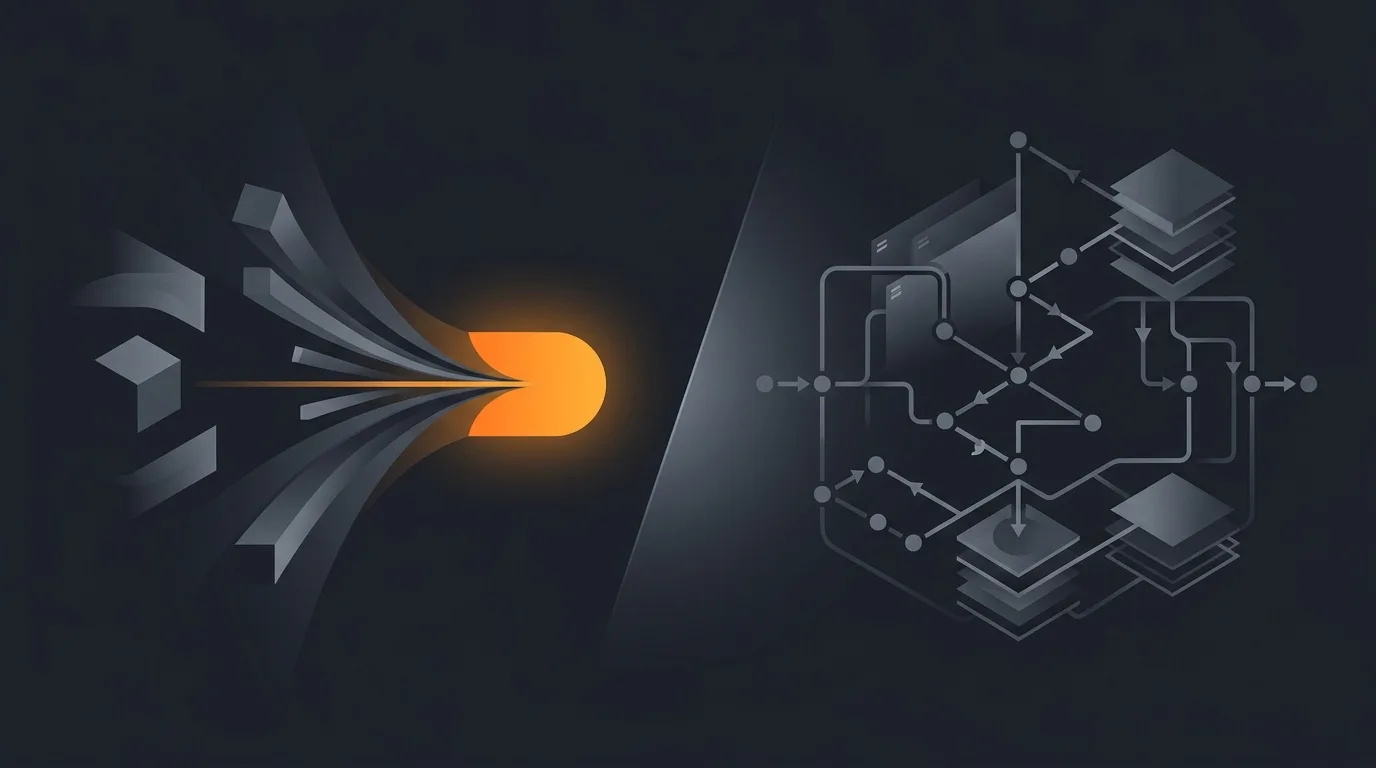
If you are evaluating an AI agent stack right now, the framing matters more than the feature list. LangGraph and Gravity sit on opposite ends of one spectrum: how much of the graph does the human draw, versus how much does the runtime infer.
What LangGraph is, and where it actually shines
LangGraph is an open-source orchestration library released by LangChain, the team behind the original Python chains. It models an agent as a directed graph of nodes that pass typed state to each other, with the LLM acting as a router between them.
What you get when you adopt LangGraph:
- A Python or JavaScript library you import like any other package.
- A graph builder API where you define
Nodes,Edges, conditional edges, and aStateGraph. - Built-in checkpointing so you can pause an agent, persist its state, and resume later, even days later.
- A streaming API that emits intermediate tokens, tool calls, and state changes.
- Tight integration with LangSmith for tracing every step of the graph.
LangGraph shines for teams that already write Python and want every decision the agent makes to be auditable in code. If your reviewer is a senior engineer who needs to read the diff before the agent ships, LangGraph fits that workflow. The graph itself becomes the design document.
It also shines when your agent has a known topology you want to enforce. If you must always do tool call A, then loop until condition B, then call human-in-the-loop C, LangGraph lets you bake those rails into the structure. The LLM cannot wander off because the edges constrain it.
What Gravity does differently
Gravity inverts the premise. Instead of you drawing the graph, you describe the outcome and the runtime figures out the graph at execution time. The shape of the work changes based on what the agent encounters, not what was wired up at design time.
A Gravity prompt looks like this:
"Every weekday at 9am IST, scan my Gmail inbox for unanswered customer emails older than 24 hours. For each one, summarise the request and draft a reply in my voice. Put drafts in a Notion page called Inbox Triage. Stop after 20 emails or when you hit one that needs my input."
That single sentence produces, on the Gravity side: a schedule, a Gmail OAuth wiring, a triage policy, a Notion connection, a reply-drafting subroutine, a stop condition, and an observability stream. We did not ask you to draw it. The runtime composed it.
This is the same philosophy that drives our describe the outcome, not the workflow writeup. Workflow tools and graph libraries both start from the wrong end if your user is non-technical.
Side-by-side capability comparison
| Capability | LangGraph | Gravity |
|---|---|---|
| Setup model | Install the library, write Python or JS | One sentence in the dashboard |
| Who can ship an agent | Engineers | Anyone who can write an email |
| Time to first running agent | Hours to days | 60 seconds |
| State management | You define the state schema | Inferred from the outcome |
| Topology | Explicit, drawn by you | Implicit, composed at runtime |
| Hosting | Self-hosted or LangGraph Cloud | Fully hosted on Gravity |
| Observability | Via LangSmith, separate product | Built in, every run |
| Human-in-the-loop | You add it as a node | Stop condition in the prompt |
| Multi-step planning | You write the planner | Built into the runtime |
| Schedule and triggers | External cron or webhook | First-class in the prompt |
| Tool catalogue | BYO, plus LangChain hub | Native catalogue, growing weekly |
| Pricing model | Open source, you pay infra and LLM | Free tier; paid from $20/mo with usage included, runtime included |
The graph-vs-outcome split, and why it actually matters
The clean line between LangGraph and Gravity is not features. It is who carries the modelling cost.
With LangGraph, the human carries it. You decompose the task into states, transitions, and tool calls. You decide what counts as success. You write a typed schema. The benefit is precision. The cost is that every change is a code change.
With Gravity, the runtime carries it. You describe what done looks like in plain English. The agent plans, replans, and recovers from failures within the bounds of that description. The benefit is speed. The cost is that you give up some of the determinism that an explicit graph buys you.
For roughly 80% of real-world agent jobs we have seen so far, founders and ops teams do not want to draw a graph. They want their inbox triaged, their leads qualified, their abandoned carts recovered. The graph is incidental. The reason most agents stop after one task is that the modelling burden was on the wrong shoulder.
For the other 20%, where the agent is enforcing a regulated process or running inside an existing ML pipeline, the graph is the point. LangGraph wins those.
Pricing reality
LangGraph the library is free. The bill arrives in three other places:
- LLM API spend. Every node that calls the LLM bills you per token. A poorly-bounded graph can rack up cost fast. See how to estimate agent cost before deploying.
- Infrastructure. You need a server, a database for checkpoints, secrets management, and a worker queue. LangGraph Cloud handles this if you pay for it.
- Engineer time. Median fully-loaded engineer cost in the US is in the low six figures. Every hour spent maintaining the graph is an hour not spent on product.
Gravity charges subscription-based: a free tier, then plans from $20/month that include usage, with the runtime, model calls, observability, and connector maintenance included. There is no infrastructure to host. The internal benchmark we use is total cost of ownership, not sticker price. For most teams shipping fewer than ten agents, Gravity comes out cheaper after you count the engineer hours that LangGraph quietly consumes.
We will publish a full pricing breakdown when the waitlist opens. For now, assume parity at low volume and an advantage to Gravity as you scale.
When LangGraph is the right choice
Be honest with yourself here. Pick LangGraph if you check at least three of these boxes:
- You have a Python or TypeScript team with existing infrastructure.
- Your agent must enforce a graph topology that is non-negotiable, for legal, regulatory, or process reasons.
- You want to own the model layer end-to-end, including swapping models per node.
- You are building a product where the agent is the product, and the graph is your IP.
- You are comfortable maintaining LangSmith or a similar trace store separately.
If most of those are true, LangGraph is the right call. We will not pretend otherwise.
When Gravity is the right choice
Pick Gravity if you check at least three of these:
- The person who will operate the agent is not an engineer.
- You want a running agent today, not in a sprint.
- Your agents are operational rather than algorithmic, things like triage, drafting, summarising, monitoring.
- You want one bill, one dashboard, and one place to see what went wrong.
- You want to swap the underlying model without rewriting the graph.
If you are a founder or ops lead and your bottleneck is engineering attention, Gravity removes the bottleneck. That is the whole pitch.
Migration: what changes if you switch
Coming from LangGraph to Gravity is mostly about deleting code. Specifically:
- The state schema disappears. You describe inputs and outputs in plain English.
- Nodes and edges disappear. The outcome prompt covers them.
- Your checkpointing logic moves into Gravity's runtime, you do not manage it.
- LangSmith traces are replaced by Gravity's run history view.
- Your scheduling glue, whether cron or a webhook, moves into the prompt itself.
What does not change: the underlying LLM calls still happen, the tools are still tools, and the API surface where your agent reaches out to Gmail or Stripe or Slack works the same way conceptually. We document the migration path in how to migrate from Zapier to an agent, which covers the broader pattern even if the source platform is different.
Frequently asked questions
Is LangGraph a no-code tool?
No. LangGraph is a Python and JavaScript library. You write code to define nodes, edges, and state. There is no drag-drop canvas. If you want a no-code experience, you would either use a wrapper UI on top of LangGraph or pick a different platform.
Does Gravity use LangGraph under the hood?
No. Gravity is built on its own runtime designed around outcome prompts, not graph orchestration. We borrowed lessons from the graph world about checkpointing and replay, but the surface area you interact with is a sentence, not a state machine.
Which one is better for production?
It depends on who is operating it. If you have a Python team that wants total control, LangGraph wins on flexibility. If you want the agent to ship in 60 seconds without code review on every change, Gravity wins on time-to-first-value.
Can I run LangGraph and Gravity together?
Yes, for very advanced setups. Gravity has webhooks you can fire from a LangGraph node, and you can call Gravity agents as tools from a graph. Most teams pick one or the other, but the integration path exists.
What does LangGraph cost vs Gravity?
LangGraph itself is open source and free. You pay for the LLM API calls, the infrastructure to host it, and the engineer time to maintain it. Gravity is subscription-based, covered by your plan, with the runtime, hosting, and observability included and no infrastructure to manage. The total cost picture is what matters, not the sticker.
Three takeaways before you close this tab
- LangGraph is for engineers who want a graph. Gravity is for operators who want a result.
- The cost of LangGraph is not the library. It is the engineer hours. Price that in honestly.
- If your bottleneck is engineering attention, removing that bottleneck is the move, not adding another graph framework to maintain.
Sources
- LangChain. "LangGraph documentation and concepts." langchain-ai.github.io/langgraph
- LangChain. "Why LangGraph: a stateful, multi-actor framework." blog.langchain.dev
- GitHub. "LangGraph repository, stars and release cadence." github.com/langchain-ai/langgraph