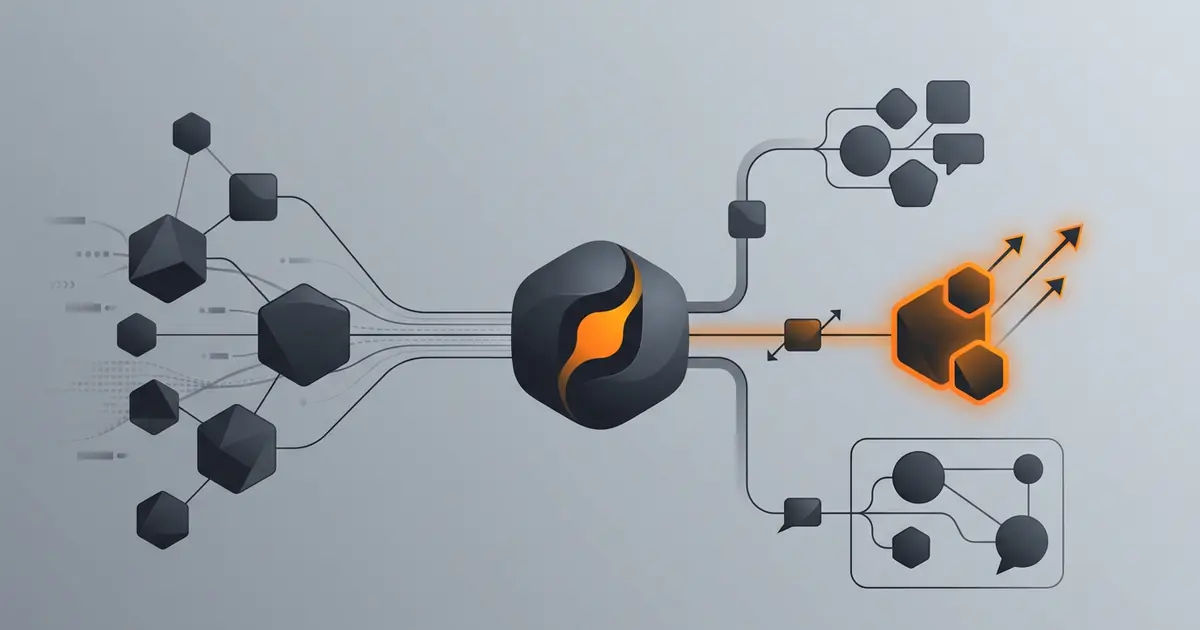
Slack channels accumulate three kinds of messages: the ones that need a fast reply, the ones that need an answer eventually, and the ones that need nothing. A triage agent's job is to make the first two visible and silence the third. Done well, it gives a small team back the cognitive cost of context-switching to a busy support channel. Done badly, it auto-replies with confident wrong answers in front of customers.
This walkthrough covers the setup most teams end up with after a fortnight of iteration. The agent runs in shadow mode first, classifies into a fixed taxonomy, escalates above-threshold matches, and never replies in a customer-facing channel until the classifier has been calibrated.
What this agent does
The agent listens on a defined channel set, applies a classifier to each new message, and routes the result. Routing for the first two weeks is purely informational: a private review channel where you can see how the agent labelled each message and disagree.
It does not auto-respond in user-facing channels. It does not @mention humans except for above-threshold urgent matches. It does not delete or archive messages.
For the broader pattern, see AI agent for inbox triage. For the cluster context, see what an AI agent can actually do.
Slack scopes and permissions
Permissions follow the principle of least privilege.
Read scopes the agent needs day one:
channels:historyfor public channels you opt ingroups:historyfor private channels you opt inusers:readto map user IDs to display namesreactions:readto see emoji signals (✅ resolved, etc.)
Write scopes the agent should not get on day one:
chat:writeonly when graduating a path to direct replyreactions:writeonly when the agent earns the right to acknowledge messageschat:write.publicalmost never
Use a bot user, not a user token. Rotate quarterly. For more on credential hygiene, see how to give agent access to email safely.
Taxonomy and classifier
A fixed five-label taxonomy is the right starting point.
- Urgent. Customer impact, outage, security. Pages a human.
- Question. Needs an answer eventually. Goes to a queue.
- Request. Needs an action eventually. Goes to a queue.
- FYI. Informational. Goes to a digest.
- Off-topic. Banter, jokes. Ignored.
The classifier prompt should include real examples from your channel history (10 to 20 per label is enough). The output is a label plus a confidence score. Free-text categorisation breaks the routing logic; stick to the five.
Shadow mode for two weeks
The agent classifies in real time but acts only via a private review channel. Each message gets a card with the original message, the agent's label, the confidence score, and the routing decision. You react with ✅ or ❌.
By the end of two weeks you should have at least 100 calibration data points. If disagreement rate is under 10%, you can graduate one path (typically: post a "got this, will follow up" reaction on Question and Request) to live. If above 10%, the prompt and examples need work.
For more on graduating actions, see how to limit agent actions.
Escalation routing
Routing is per label, with a confidence threshold per route.
- Urgent ≥ 0.85 confidence. Page on-call (PagerDuty, Opsgenie, or DM the on-call user).
- Urgent below threshold. Post to the review channel for a human to confirm.
- Question / Request. Add to the team queue. No paging.
- FYI. Append to the daily digest at 17:00 IST.
- Off-topic. Logged, no action.
Tune the urgent threshold over the first week. Aim for 1 to 5 pages per day. More than that, you raise the threshold; fewer than that, you lower it.
Guardrails
- No replies in user-facing channels for two weeks. Hard rule.
- No @here, @channel, @everyone, ever. The agent uses DMs to specific users.
- Quiet hours. The agent does not page outside on-call hours unless severity is critical.
- Sensitive channels excluded. HR, legal, executive channels never enter the agent's scope without explicit opt-in.
- Audit trail. Every classification and route is logged with timestamp and confidence.
For broader operational guardrails, see AI agent safety and guardrails and how to monitor agent activity.
Common mistakes
- Auto-reply in customer channel from day one. Confidently wrong replies in front of customers are a brand event.
- Free-text labels. The taxonomy must be fixed; otherwise routing breaks.
- Watching too many channels. One channel calibrated beats five chaotic.
- No threshold tuning. Default thresholds either over-page or under-page.
- Bot account with full workspace permissions. Least privilege, every time.
Frequently asked questions
What does a Slack triage agent do?
It watches a defined set of channels, classifies each new message into a fixed taxonomy (question, request, FYI, urgent, off-topic), and routes the urgent ones somewhere a human will see them. It can also draft replies for review, post a daily digest, and resolve duplicates. It does not auto-reply in user-facing channels until the classifier has been calibrated against a real backlog.
Should the agent reply directly in the channel?
Not at first. The agent should run in shadow mode for the first two weeks: classify, route, and post drafts to a private review channel. Once you have spot-checked at least 50 messages and disagreement rate is under 10%, you can graduate one or two narrow paths (acknowledgements, FAQ answers from a known docs set) to direct reply. Open-ended replies stay shadow longer.
How does the agent know what to escalate?
Through a small classifier prompt with explicit examples of urgent, important, and routine messages from your team's actual history. The classifier outputs a label and a confidence score; only above-threshold urgent messages page or DM. Below threshold goes to a daily digest. Tune the threshold over the first week so a human sees roughly the right number of escalations per day.
What channels should the agent watch?
Start narrow. One inbound channel (support, bug-reports, internal-questions) is enough to learn the patterns. Add channels only after the first one is calibrated. Never give the agent access to channels with sensitive content (HR, legal, executive) unless the team has explicitly opted in and the agent is configured with redaction rules.
What permissions should the Slack app have?
Read scopes only at first: channels:history, groups:history, im:history (for the channels the agent watches), and users:read. Write scopes (chat:write, reactions:write) are only added when you graduate a path to direct reply. Use a granular bot user, not a user token, and rotate the token through the Slack admin every quarter.
Three takeaways before you close this tab
- Shadow first. Routes second. Replies third. Earn each step.
- Fixed taxonomy with thresholds. Free-text classification breaks routing.
- One channel calibrated beats five chaotic. Always.
Sources
- Slack API, "OAuth scopes reference", retrieved 2026-05-10, api.slack.com/scopes
- Slack API, "Events API and Socket Mode", retrieved 2026-05-10, api.slack.com/apis/events-api
- NIST, "SP 800-53 AC-6 Least Privilege", retrieved 2026-05-10, csrc.nist.gov/sp800-53/AC-6
- Gravity team, "Gravity Slack-agent guardrails", internal v1, May 2026, About