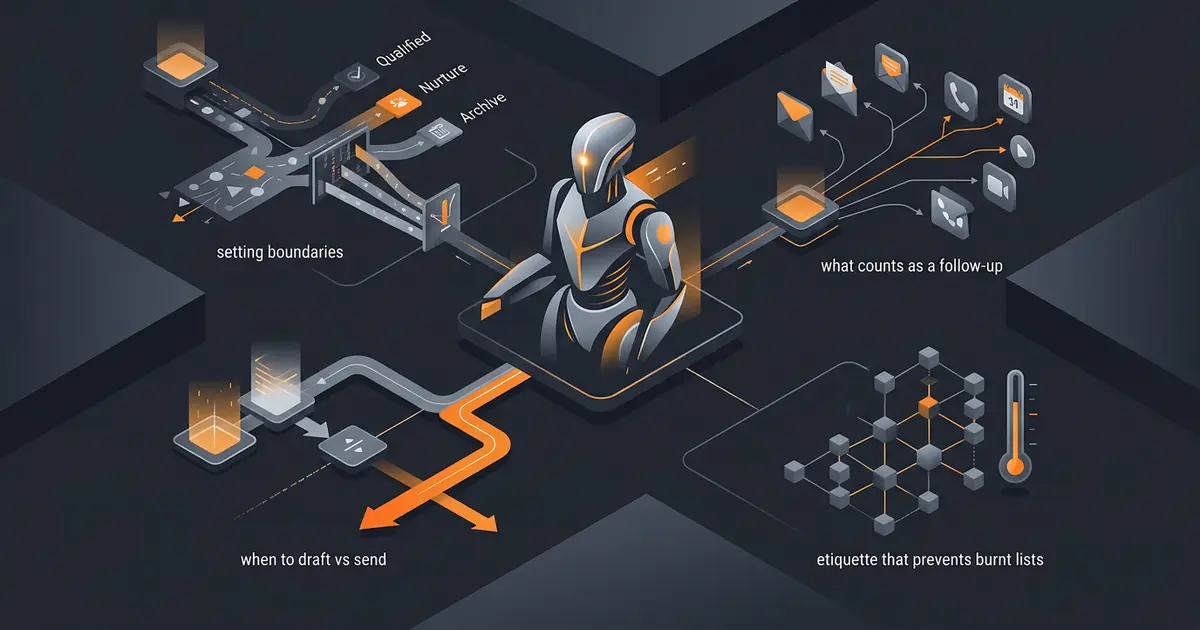
Cold lead follow-up is the use case sales teams want most and the use case where an AI agent is most likely to misbehave. The mechanics are easy: read a lead record, compose a follow-up, send. The hard part is everything around the send: cadence, opt-outs, reputation, tone, and the fact that one bad message reaches the same recipient your CEO is trying to close.
This walkthrough covers a sane setup. The agent drafts in the first version, sends only after the drafts have been approved repeatedly, and respects five non-negotiable guardrails that keep your domain alive and your list intact.
What this agent does
The agent reads each lead's record (last touch, last reply, last open) and decides whether a follow-up is due. If yes, it composes a personalised message based on what was discussed earlier and what step in the cadence this is. If no, it skips. The output is a draft, queued for human review or, in later stages, scheduled for send.
The agent does not add new leads to the campaign on its own. New leads are added through a defined flow (a form, a CSV import you supervised, a CRM event you configured). The agent respects the boundary; it does not invent it.
For the cluster context, see what an AI agent can actually do. For the related read-only sibling, see AI agent for inbox triage.
Draft first, send later
The first version of this agent should never auto-send. It drafts. You approve in batch (10 or 20 at a time). Approved drafts go through your sending platform on the existing schedule.
This sounds slow. It is fast, because reviewing drafts in batch takes a fraction of writing them, and the review surfaces the prompt edits that matter. The first week of drafts will reveal the obvious mistakes: the lead who said "not now, ping me in Q3" who got a follow-up the next week; the executive whose name the agent insisted on misspelling; the message that referenced a meeting that did not happen.
After two weeks of clean batch approvals, you can graduate one path (e.g. confirmation replies after a webinar) to auto-send. The rest stay drafts longer. The full graduation framing is in how to limit agent actions.
Cadence and triggers
A defensible default cadence: three touches across three weeks. Day 0 (initial), Day 4, Day 11. Stop on any reply, any click on a tracked link, or any explicit opt-out. Do not add a fourth touch unless you have a strong reason; the marginal value of touch four is small and the reputation cost is real.
Triggers should be deterministic, not "vibe-based":
- Day count since last touch.
- Reply received: pause until human review.
- Tracked-link click: pause until human review (the lead is now warm).
- Opt-out keyword detected: stop forever, add to do-not-contact.
- Bounce: mark lead invalid, never retry.
Each trigger maps to a state. The agent reads the state and picks the action. State machines are predictable; vibes are not.
Five guardrails
- Maximum touches per lead. Three or four. Hard cap. The agent stops counting; the lead does not get a sixth message because somebody copied them into a parallel campaign.
- Pause on any reply. Even a one-word reply. Especially a one-word reply.
- Opt-out detection. "Unsubscribe", "remove me", "stop emailing". Add to do-not-contact list; never retry.
- No auto-add from third-party imports. The agent does not pull leads from a scraped list and start sending. Imports go through a human review.
- Do-not-contact check on every send. The list grows over time; check it on every message, not at campaign-creation time.
None of these are decorative. They are the difference between a campaign that produces meetings and one that produces a deliverability collapse and a lawsuit.
Legal and reputation
Cold email is legal in most jurisdictions if you follow the rules. The rules are not magic: identify yourself, give people a way to stop, and respect the stop when they exercise it. The specifics:
- US (CAN-SPAM): sender identification, no deceptive subject lines, opt-out mechanism honoured within 10 business days, physical postal address (FTC CAN-SPAM Guide).
- Canada (CASL): express or implied consent required; the rules are stricter than US (CRTC CASL Guide).
- EU/UK (GDPR/PECR): legitimate interest can support B2B cold email in many contexts; document the basis and offer easy opt-out (GDPR official text).
The agent's job is to behave consistently with whichever rule applies. The platform's job is to make the rule enforceable on every send. The owner's job is to know which rule applies. Consult counsel for your specific context; this is not legal advice.
On reputation: mailbox providers route based on engagement, not consent paperwork. Send to people who want to hear from you, watch bounce and complaint rates, and pause on degradation. The agent should expose those metrics on every campaign view.
30-day reality check
After thirty days you find three things the setup did not anticipate:
The clever-tone problem. The agent's first drafts are too clever or too generic depending on the prompt. Both fail. Tune toward "what would I write if I had thirty seconds": short, specific, with a concrete next step.
The personalisation cliff. Personalisation works when the agent has real information ("saw your post about X"), and falls off a cliff when it does not ("hope you're well"). The agent should skip personalisation rather than fake it.
The send-time effect. Tuesday 09:30 in the recipient's timezone outperforms 14:00 by a noticeable margin in most B2B contexts. Schedule sends, do not blast.
Common mistakes
- Auto-send from day one. The first week is for catching the bugs, not for shipping them.
- No pause on reply. The follow-up two days after the lead said "interested" is the most embarrassing failure mode.
- Volume over reputation. A small list with 20% reply rate beats a huge list with 1% reply rate, every time.
- Imported list, no review. Scraped lists with bad data become bounces, complaints, and blocks.
- Personalisation theatre. "Loved your work" without specifics is worse than no personalisation.
Frequently asked questions
Can an AI agent send cold emails for me?
It can, but most teams should not let it. The first version should draft, not send. The agent prepares each follow-up based on what was discussed in earlier touches, you approve in batch, and the platform handles delivery. Auto-send works only on warm replies and only after you have approved the draft template for that path.
How does an AI agent know when to follow up with a cold lead?
The schedule is in the prompt or campaign config: typically three to five touches over three to four weeks, paused on any reply or click. The agent reads the lead record (last touch date, last reply, last email open) and decides whether the next touch is due. The decision is small; the agent's job is composing the right next message.
What guardrails should I set on a cold lead follow-up agent?
Five: maximum touches per lead, mandatory pause on any reply, opt-out detection on each inbound, no auto-add to campaigns from third-party list imports, and a do-not-contact list that is checked on every send. The first three protect your domain reputation; the last two protect against legal exposure under CAN-SPAM, CASL, and GDPR.
Will an AI cold-email agent get my domain blocked?
Only if you let it ignore reputation signals. Volume, complaint rates, and bounce rates determine whether mailbox providers route your emails to inbox or spam. Set a daily send cap, monitor bounce rate and complaint rate, and pause the campaign automatically if either crosses a threshold. The agent should respect ESP guidance, not race against it.
Is using an AI agent for cold outreach legal?
Cold email is legal in most jurisdictions if you follow the rules: identify the sender, provide an opt-out, honour opt-outs promptly, and have a legitimate basis for contacting the recipient. The agent must respect those constraints. Specific rules vary by jurisdiction (CAN-SPAM in the US, CASL in Canada, GDPR in the EU); consult counsel for your context.
Three takeaways before you close this tab
- Draft first, batch-approve, send later. The first month is calibration, not throughput.
- State-machine triggers. Reply, click, opt-out, bounce. No vibes.
- Reputation is the cap on volume. Slow campaigns close. Burnt domains do not.
Sources
- FTC, "CAN-SPAM Act: A Compliance Guide for Business", retrieved 2026-05-08, ftc.gov/can-spam-compliance
- CRTC, "Canada's Anti-Spam Legislation", retrieved 2026-05-08, crtc.gc.ca/eng/internet/anti
- European Commission, "GDPR official text", retrieved 2026-05-08, gdpr-info.eu
- Gravity team, "Gravity outreach guardrails", internal v1, May 2026, About