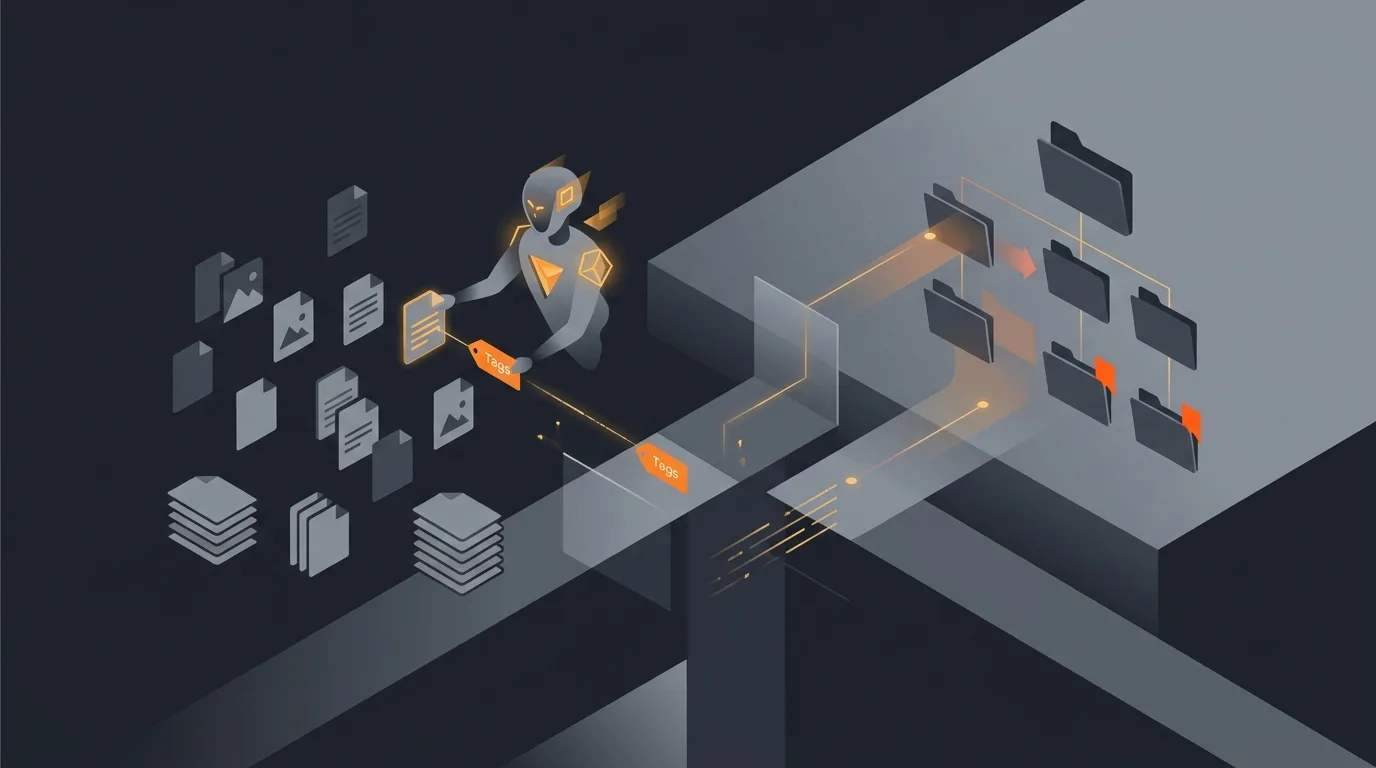
The shared Drive of any company over two years old looks like a teenager's hard drive after final exams. "Untitled document (3)" at the root. Forty-seven copies of the same pitch deck named with the initials of whoever last edited them. A folder called "Old stuff" that contains the actual brand guidelines. A folder called "Final" that contains a folder called "Final final" that contains a folder called "Final final v2". The brain that built that mess is the same brain that has to retrieve a file from it on a Tuesday morning during a customer call.
An AI agent for Google Drive file organization does the part the team will never do on its own. It reads the structure, proposes a tidier one, and gets out of the way. Critically it does not move things behind your back. The whole adoption problem with Drive cleanup is that nobody trusts an agent that quietly relocates a file they referenced in a meeting on Monday. The agent suggests, the human accepts, and the auto-move privilege is earned over months.
What this agent does
Once a week, the agent crawls the configured folders. For each file it pulls metadata (name, owner, last edited, parent folder, labels) and a small content sample (first 2 KB of text, first slide of a deck, sheet titles). It runs five hygiene checks. It groups results by owner. It posts one digest to the configured Slack channel or email distribution.
What the agent does not do during the first two months: it does not move files, it does not rename files, it does not delete files, it does not change permissions. Every action goes through an explicit accept click from the file's owner. For the broader pattern of read-then-recommend agents, see what an AI agent can actually do.
After two months of consistent accepts on a defined set of moves (PDF invoices into the "Bills paid" folder, screenshots into the "Screenshots" folder), the team can opt those specific moves into auto-mode. The agent is now allowed to do those moves silently, with the weekly digest summarising what it did. Everything outside the allowlist still drafts and waits.
Sources of truth
- Drive metadata. Filename, owner, parent folder, label IDs, last-edited timestamp, MIME type. Pulled via the Drive API files.list endpoint.
- A small content sample. First 2 KB of text content, slide titles for decks, sheet names for spreadsheets. Used only for tagging and folder-destination inference. The agent does not retain content beyond the run.
- Configured folder structure. A canonical folder tree maintained by the admin. The agent matches file content to a destination using this structure.
- Vendor and tag dictionaries. Optional. Used to recognise that a file whose content mentions "Stripe invoice 2026-04" probably belongs in the Stripe folder under Finance.
- Output: one digest per week, posted in Slack or email, with batch-accept buttons.
The agent does not read your inbox, your calendar, or any other Google Workspace tool. Drive is the unit. For the broader rationale on scope discipline, see how to limit agent actions.
Five hygiene defects worth flagging
- Untitled or default-named. File is literally Untitled, Untitled document, Untitled spreadsheet, Copy of X, or matches a configured low-information naming pattern. The agent proposes a name pulled from the document's first heading or, for sheets, the first non-empty row.
- Misfiled into the root. Any file living in My Drive's root or in a shared drive's root rather than a project folder. The agent infers a destination from content and proposes a move.
- Suspected duplicate. Identical content hash, or near-identical name inside the same folder tree, or originated via File, Make a copy. The agent shows both files side by side with last-edited dates and proposes which to archive.
- Stale and unedited beyond 12 months. The agent does not propose deletion. It proposes a move into an "Archive" subfolder. The owner accepts or rejects. Stale is not dead.
- Untagged. File lives in a folder where labels are expected (Finance, Legal, HR, Customer-confidential) but the file has no labels applied. The agent proposes the most-likely label set with confidence scores.
Notice what is not on the list. The agent does not enforce a particular naming convention. It does not propose camelCase versus kebab-case. It does not mark a file "low value" because it was opened only once. Subjective hygiene is left to humans. For more on the suggest-first pattern, see how to add a human approval step to an agent.
Output: weekly digest and accept buttons
The digest is grouped by owner. Each owner sees only their own files in the message, with one section per defect type.
Top of the digest. "You have 23 files flagged this week. Estimated cleanup time if you accept everything: 4 minutes." A digest that takes longer than 5 minutes to act on will not get acted on, so the digest caps each owner at 30 items per week. The rest carry to the next week.
Per-defect sections. Untitled files (with proposed names), misfiled files (with proposed destinations), suspected duplicates (paired view), stale files (proposed archive moves), untagged files (proposed labels). Each row has accept and reject buttons.
Batch-accept. Accept all rows in a section, accept all rows of a confidence level above 90 percent, accept everything. The batch-accept is what makes the agent actually save time; clicking 23 individual accepts is not better than clicking 23 individual moves.
For the broader monitoring pattern, see how to monitor agent activity.
Guardrails
- No deletes, ever. The agent never has delete permission on any Drive scope. Archive moves are reversible. Deletion is a human-only action.
- No silent renames or moves in the first 60 days. Every action goes through accept. Auto-mode is earned.
- Confidential exclusions. Any file labelled confidential, restricted, board, legal, hr, finance, or matching an exclusion list is not read or flagged.
- Per-owner caps. 30 items per owner per week in the digest. Spillover carries.
- Auto-move allowlist. Only specific MIME-type plus destination pairs can be auto-moved (e.g., image/png from /Screenshots-inbox into /Screenshots). Everything else stays manual.
- Audit log of every move, rename, and accept. The audit log lives for 12 months. Reversal of any single agent action is a one-click in the log.
- Dry-run for the first two weeks. Output to a sandbox doc only. No actions surfaced into Slack until calibration looks reasonable.
For the safety philosophy, see AI agent safety and guardrails. For testing the agent before the switch, see how to test an agent before deploy.
Common mistakes
- Auto-organizing day one. The team revolts inside a week. Files they referenced in a meeting Tuesday are missing Wednesday. Use the suggest-only window even if it feels slow.
- Including the My Drives of all employees. Personal Drives are personal. The agent should scope to shared drives and shared folders only. Personal hygiene is not a corporate problem.
- Treating untitled as garbage. An Untitled document is often a draft someone is still writing. Surface, propose, wait.
- Aggressive duplicate detection. Two files with the same name in different folders are usually not duplicates; they are intentional copies (template, then filled-in template). Use content hash plus folder-tree proximity, not name alone.
- Letting the agent move things into a "Random" or "Unsorted" folder. If the agent cannot place a file confidently, it flags it. It does not create a graveyard.
- Skipping the auto-move allowlist. Without specific auto-move rules, the agent is permanently in suggest mode and the digest fatigues the team. Earn the allowlist; the agent is more valuable with three auto-rules than zero.
Frequently asked questions
Can an AI agent organize a messy Google Drive?
It can propose organization. The agent reads file content and metadata, suggests folder destinations, flags untitled or untagged files, finds suspected duplicates, and posts a weekly cleanup digest with one-click accept buttons. It does not move files on its own for the first two months. Once the team's accept rate is over 90 percent, the agent can auto-move into a small allowlist of well-defined buckets.
Does the agent rename files?
Only when the file is literally named Untitled, Untitled document, Copy of X, or matches a configured rename rule. Even then, it proposes the rename and waits for an accept. People remember files by the names they chose; an agent that silently renames things breaks search history and breaks trust.
How does the agent find duplicates?
Three signals: identical content hash, near-identical filename inside the same folder tree, and a Google Doc that was opened with File, Make a copy. The agent shows the suspected duplicate pair, who owns each, last edit date, and a recommended action (keep newer, archive older, or merge if both are actively edited). The owner picks.
Does the agent need full Drive access?
It needs read access on the folders configured for organization. It does not need write access to the broader Drive, and it must not have permission to delete. For the auto-move allowlist, it needs metadata-write scope on just those destination folders. Everything else is read-only.
What about confidential files?
The agent skips any file labelled confidential, restricted, board, legal, hr, finance, or matching an exclusion-pattern set by the administrator. These files do not enter the agent's content-read pass, and they do not show up in the digest. If a file is sensitive, the owner labels it appropriately and the agent stays away. The label list is configurable.
Three takeaways before you close this tab
- Suggest before you move. Trust is earned across 60 days, not granted on day one.
- Cap the digest. Thirty items per owner per week. Anything more is noise.
- Confidential is opt-in for the agent to ignore. Labels are the safety mechanism. Use them.
Sources
- Google Workspace Developers, "Drive API v3: Files resource and labels API", retrieved 2026-05-13, developers.google.com Drive API v3
- Google Workspace Admin Help, "Use Drive labels", retrieved 2026-05-13, support.google.com use Drive labels
- Google Workspace Admin Help, "About shared drives", retrieved 2026-05-13, support.google.com shared drives
- NN/g (Nielsen Norman Group), "File organization research summary", retrieved 2026-05-13, nngroup.com articles
- Google Cloud, "Best practices for least-privileged access on Drive", retrieved 2026-05-13, cloud.google.com iam docs