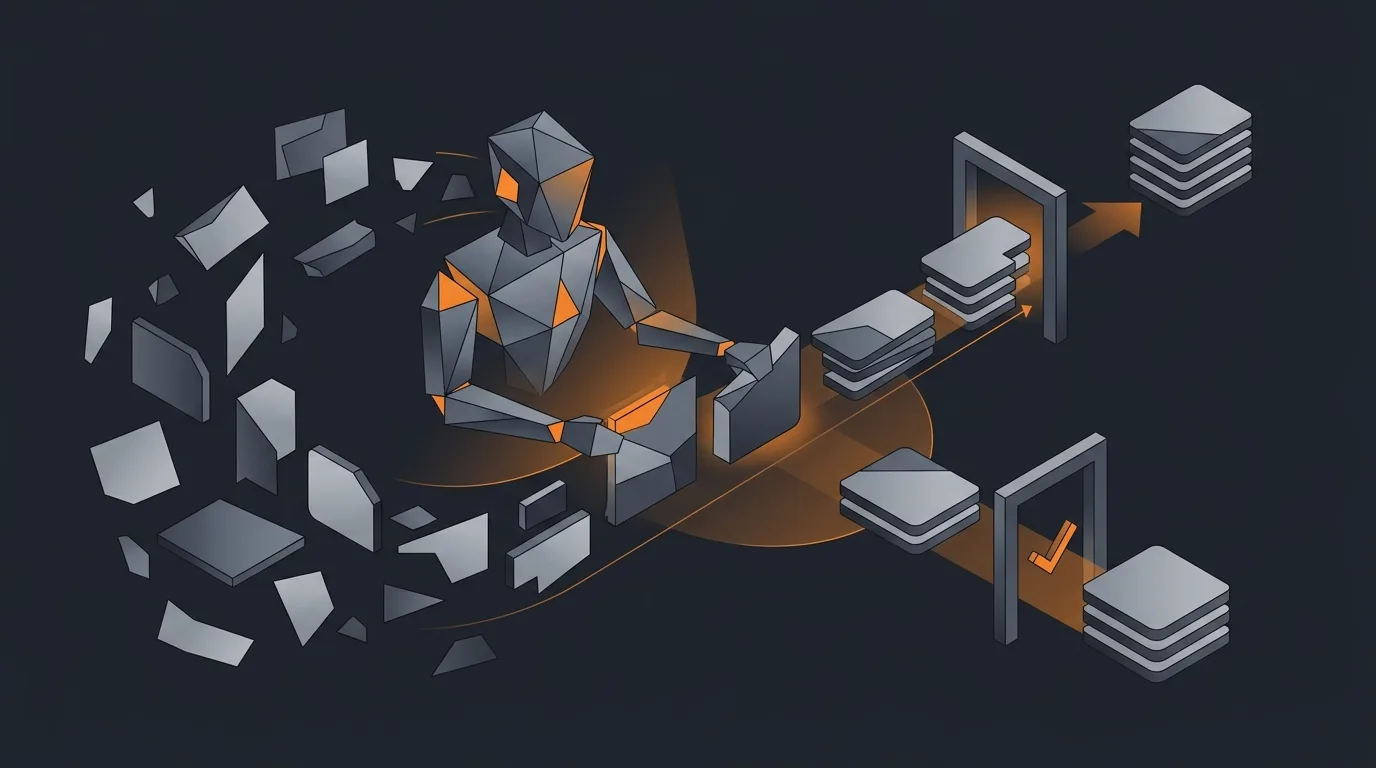
The pattern is familiar. An operations team builds an Airtable base. It starts as a single table with twenty rows. Eighteen months later it is thirty tables, four hundred fields, six views per table, and the only person who understands the schema is the operations lead who built it. The base runs the company. It rots without one person babysitting it. Country names are split between "USA", "United States", "U.S.", and "US". Vendor names are duplicated four ways. Half the new-supplier rows have an empty country field. Two of the picklists have values nobody added on purpose; someone typed them by accident two months ago and the value stuck.
This is what an Airtable cleanup agent is for. It does the slow, careful, weekly hygiene work that nobody on the operations team has time to do, surfaces a short list of suggested changes, and waits for approval. The point is not to replace the operations lead. It is to give them a queue of cleanup actions they can clear in fifteen minutes instead of an afternoon.
What this agent does (and why Airtable is different from a CRM)
Once a week, the agent connects to your Airtable base via the Web API, pulls the schema for every table you have authorised, walks each table looking for rule violations and anomalies, and produces a review queue of ten to twenty suggested actions. Each action has a before value, an after value, a confidence score, a source citation when relevant, and a single-click approve or reject control.
The agent is read-write but every write is gated. Approved actions are committed in a batch with a record of who approved them. Rejected actions are remembered; the agent does not re-suggest the same correction next week unless the row changes.
Airtable is the interesting case because it is not a rigid CRM. A Salesforce cleanup agent works against a known object model: Account, Contact, Lead, Opportunity. Field types are well-defined. Picklist values are administered centrally. An Airtable base is a flexible spreadsheet-database with custom-named fields, freeform linked records, per-view filters, and conventions that exist only in the head of the person who built it. The cleanup agent has to discover the schema each run, infer field intent from naming and content, and avoid stomping on conventions it cannot see. For the broader pattern of what a read-write agent can responsibly do, see what an AI agent can actually do.
Sources of truth
The agent reads from three places. It writes to only one.
- The Airtable base via the Web API. Reads schema (table list, field types, picklist options, linked-record relationships) and rows. Writes only after approval.
- The base schema itself as a document. Field names, descriptions, view filters, and the operator's own naming conventions are the most important signal. The agent treats them as authoritative.
- External lookup sources for enrichment. ISO 3166 country codes, ISO 4217 currency codes, public vendor databases for company name normalisation. Each is whitelisted; the agent does not roam the web.
What the agent does not read: any table the operator has marked as out of scope, any field whose name starts with a private prefix the operator configures (for example, "_internal_"), and any view that filters to a sensitive subset like PII. The agent respects view filters; if a view excludes a column, the cleanup actions for that column are excluded for rows visible only via that view.
Cleanup operations
Four categories, each with its own confidence model.
Missing fields. The agent identifies rows with empty fields in columns where most rows have a value. It attempts to fill them only from authorised external sources. A missing country code field on a vendor whose website is in the base can be filled with high confidence. A missing free-text "notes" field is left alone. The agent never invents content.
Text normalisation. Capitalisation, country names, currency symbols, common spelling variants. "usa" becomes "United States" if the column is named like a country field. "$" becomes "USD" if the column is named like a currency field. The agent looks for the column intent before normalising; renaming a city in a column labelled "preferred language" would be the obvious bug.
Duplicate detection. The agent compares records within a table using a similarity model that combines name, email, domain, and any phone or address fields present. Each suspected duplicate pair has a similarity score from 0 to 1 and a recommended primary record. The agent does not merge automatically; it queues the merge plan for human approval.
Picklist validation. The agent walks every single-select and multi-select field and flags rows whose value is not in the allowed list. Sometimes this means the value is a typo. Sometimes it means the picklist was extended ad-hoc by someone editing the field options. The agent reports both cases and lets the operator decide.
Confidence and approval gating
Every suggested action carries a confidence score in three bands.
- High (above 0.9). Eligible for batch approval. One click in the digest accepts everything in the high band.
- Medium (0.6 to 0.9). Always shown one by one with the before, the after, and the source of the suggestion. No batch approval.
- Low (below 0.6). Surfaced as a question, not a suggestion. "Is X a duplicate of Y, or are they distinct?"
The threshold for batch approval starts conservative. The operator can lift it once the high-band suggestions have been right for several weeks in a row. For the general pattern, see how to add a human approval step to an agent and how to limit agent actions.
Guardrails
Six rules. They do not change between bases.
- Never delete records. The agent cannot issue a destructive write. Merges and removals are humans-only.
- Snapshot before any bulk change. The agent exports a CSV of each affected table before committing a batch of approved actions. The snapshot is stored alongside the run log.
- Never touch linked-record fields automatically. A linked record has implicit referential integrity. The agent surfaces suggestions but a human approves every linked-record write.
- Respect view filters and private prefixes. Anything the operator has hidden is hidden.
- One change per record per run. Multiple corrections to the same row are split across runs so the audit trail is readable.
- Run log retained for ninety days. Every write the agent has made, in order, with the approver and the timestamp.
For the broader set, see AI agent safety and guardrails and how to roll back an agent action. The cleanup agent should never be deployed without a rollback path, and Airtable's record history plus the per-run CSV snapshot together give you that path. Before deployment, test the agent against a copy of the base; see how to test an agent before deploy.
Common mistakes
- Over-aggressive deduplication. The agent merges two records that share a name and a domain but represent different relationships (two contacts at the same company, two product variants of the same SKU). Always queue, never merge.
- Domain-specific text normalised wrong. A column labelled "Style" in a fashion-operations base does not need "uppercase brand names". A column labelled "Code" in a logistics base must preserve case. Read the column intent before normalising.
- Treating the picklist as the law. Sometimes the picklist is wrong and the new value is the right one. The agent surfaces both directions.
- Filling missing fields with low-confidence guesses. An empty company size is better than a wrong company size. The agent leaves a field blank when the source is uncertain.
- Running daily. Daily creates approval fatigue. Weekly is the right frequency for almost every base. For the monitoring rhythm, see how to monitor agent activity.
Frequently asked questions
Can an AI agent really clean up an Airtable base without breaking it?
Yes, if every write is gated behind approval. The agent reads the base via the Airtable Web API, audits records against a list of rules you define (missing fields, malformed values, possible duplicates), and surfaces a queue of suggested actions with confidence scores. Nothing changes in the base until you approve a batch. The agent is read-write, but its writes are not autonomous; they are queued.
How is Airtable cleanup different from Salesforce or HubSpot cleanup?
Airtable has no fixed object model. Each base is a custom-built schema with custom-named fields, freeform linked records, and per-view filters. A cleanup agent must read the base schema before it reads any data and must respect the conventions of the operator who built the base. A CRM agent works against a known object graph; an Airtable agent works against a base it has to discover from metadata each run.
What kinds of cleanup actions does the agent perform?
Four categories. Missing fields filled from external sources where confidence is high. Text normalisation including capitalisation, country and currency codes, and obvious spelling fixes. Duplicate detection across records with a similarity score and a recommended primary record. Picklist validation that flags values not in the allowed list. Each action is shown with confidence, source, and the exact before-and-after value.
Will the agent ever delete records?
No. Deletion is the one operation the agent is hard-wired never to perform. For duplicates, the agent recommends a primary record and a merge plan; the actual merge or delete is done by a human after review. The reason is irreversibility. Airtable does have a record history and a trash retention window, but a destructive write by an agent that misreads context is the worst-case failure for this category.
How often should the cleanup agent run?
Weekly is the sweet spot for most operations bases. Daily creates approval fatigue; monthly lets dirt accumulate into bigger merge conflicts. A weekly run produces a digest of 10 to 20 suggested actions across the base. The operator reviews and approves in a 15 minute session. If the base has heavy writes, run it twice a week and split the categories: dedup on Monday, normalisation on Thursday.
Three takeaways before you close this tab
- Schema first. Read the base metadata, infer field intent, then look at data.
- Approval gates every write. The agent suggests; the operator approves.
- Never destructive. No deletes, no automatic merges, snapshot before every batch.
Sources
- Airtable Developers, "Web API: Get base schema and list records", retrieved 2026-05-12, airtable.com/developers/web/api
- Airtable Developers, "Scripting extension and automations reference", retrieved 2026-05-12, airtable.com/developers/scripting
- Gartner, "How to improve data quality", retrieved 2026-05-12, gartner.com/smarterwithgartner
- International Organization for Standardization, "ISO 3166 country codes", retrieved 2026-05-12, iso.org/iso-3166
- Gravity team, "Gravity Airtable cleanup guardrails", internal v1, May 2026, About