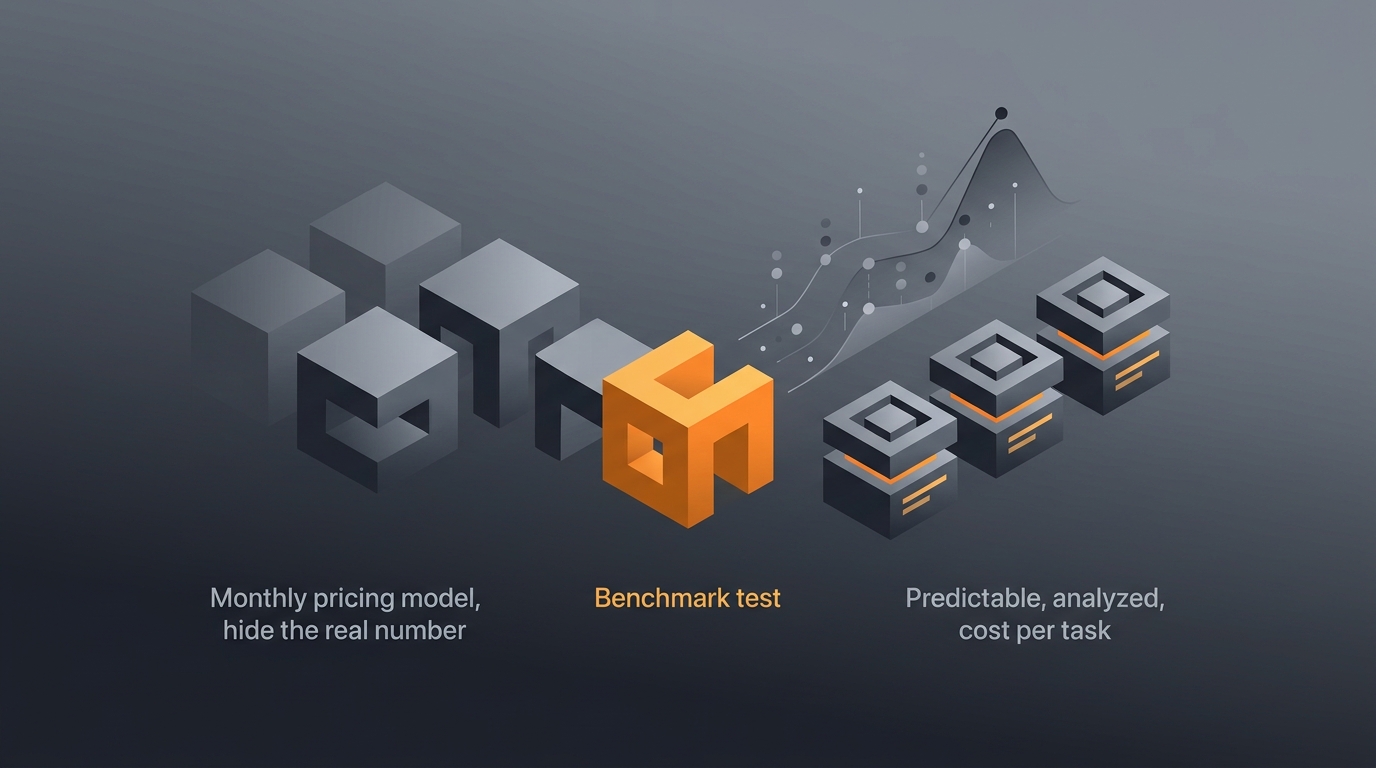
Most AI agent pricing is sold by the month, which tells you almost nothing about what the work actually costs. The honest unit is cost per task: the total cost to complete one piece of real work, from the first token to the moment a human signs off. A tool that looks cheap at a flat monthly rate can be expensive per task if you only run a handful, and a tool that looks pricey can be cheap if it does heavy work cleanly. This guide teaches you to measure that number for yourself, so you can compare agents like for like instead of by sticker price.
The method below works for any agent on any platform. It builds on the broader framing in AI agent cost models explained and the measurement discipline in AI agent benchmarks explained, applied to the one metric that survives a sales pitch.
What cost per task means
Cost per task is the total cost to complete one unit of real work, divided by the number of tasks finished. It is the honest way to compare agents because it captures everything a monthly price omits: the model calls, the tool fees, the failed retries, and the minutes a person spends checking the output. According to Gravity internal notes from 2026, teams that switch from comparing monthly prices to comparing per-task cost almost always change which agent they pick.
Why does the unit matter so much? Because a task is what you actually buy. Nobody needs "a subscription"; they need an invoice chased, a report drafted, a dataset cleaned. When you price the task, you can ask the only question that counts: does the finished work cost less than the value it creates? That framing sits at the center of AI agent cost vs ROI, and it starts with a clean definition of a task.
What counts as one task
Pin down the boundary before you measure anything. A task is one complete, useful outcome: one reminder email sent and logged, one support ticket resolved, one summary delivered. It is not one model call and not one tool call, because a single task usually spends several of each. If your definition is fuzzy, your cost per task will be fuzzy too, so write the boundary down in a sentence first.
The cost-per-task formula
The formula has four cost buckets summed, then divided by tasks completed: model and token cost, plus tool and API cost, plus orchestration overhead, plus human review and rework, all over the number of finished tasks. Per Gravity internal notes from 2026, the last two buckets are the ones teams forget, and they are often larger than the model bill itself. Leaving them out is the single most common reason a quoted cost per task turns out to be wrong.
cost_per_task =
  ( model_and_token_cost
  + tool_and_api_cost
  + orchestration_overhead
  + human_review_and_rework )
  / tasks_completed
Read the formula as a checklist, not a black box. Each bucket maps to a real line you can find: a token bill from your model vendor, a usage charge from an API, the compute that runs the loop, and the loaded hourly rate of whoever reviews the result. The structured way to split these lines across teams and tasks is covered in AI agent cost attribution.
What sits in each bucket
Model and token cost is the input and output tokens billed by your provider, listed on public pages such as the OpenAI API pricing and Anthropic pricing pages. Tool and API cost is every external call the agent makes: search, a database, a payment API. Orchestration overhead is the compute and platform cost of running the loop itself. Human review and rework is the time a person spends checking, correcting, or rerunning the output, and it belongs in the total even though it is easy to ignore.
Why monthly pricing hides the number
A monthly subscription hides cost per task because it fixes the numerator and lets the denominator float. According to Gravity internal notes from 2026, a flat fee only looks cheap once it is spread across many runs; over a slow month with few tasks, the same fee produces an alarming per-task cost. The headline price tells you what you pay, never what each unit of work costs, and those are different questions.
Here is the trap in plain terms. Suppose, purely as an illustration with stated assumptions, a plan costs a flat fee and you run two hundred tasks in a busy month. The per-task cost looks tiny. Run twenty tasks in a quiet month and the same flat fee makes each task ten times more expensive, even though nothing about the work changed. The price was stable; your real cost was not. That volatility is exactly what cost-per-task thinking exposes, and it is why we treat monthly figures with suspicion.
The seat-and-subscription illusion
Per-seat and flat-tier pricing carry the same flaw. You pay for capacity, not for work, so the bill is disconnected from output. This is fine when usage is high and steady, and punishing when it is low or spiky. The practices for keeping that bill honest live in AI agent cost control, but the first step is simply to stop reading the monthly number as if it were the cost of a task.
How to run your own benchmark
The reliable way to find cost per task is to run a small benchmark yourself, not to trust a vendor estimate. Per Gravity internal notes from 2026, a benchmark of even ten to twenty runs on one representative task usually reveals a truer number than any pricing page. The procedure is short: pick a task, run it many times, total every cost, then divide. Repetition matters because a single run can hide the retries and edge cases that move the average.
The point of running it more than once is to capture variance. One clean run flatters the agent; the third run that hits a flaky API and retries twice is the one that tells the truth. Average across the batch and you get a figure you can actually plan against, the kind of disciplined measurement described in AI agent benchmarks explained.
A checklist you can apply today
- Pick one representative task. Choose work you will actually run often, not a tidy demo. Write down what "done" means in a sentence.
- Run it N times. Ten to twenty runs is enough to surface retries and edge cases. Keep inputs realistic.
- Total every cost. Sum all four buckets across the whole batch: tokens, tool and API fees, orchestration, and the minutes a person spent reviewing.
- Divide by tasks completed. Count only the runs that produced a usable result. Failed runs still cost money, so keep their cost in the numerator.
- Repeat for each agent. Same task, same inputs, same review standard. Now your comparison is like for like.
The detail many people skip is the last line of bucket four. If a run fails but still burned tokens and a reviewer's time, that cost stays in the total and only the successful runs go in the denominator. That is what makes the number honest, and the wider habit of comparing the true figure across options is the heart of AI agent cost optimization.
What makes cost per task rise
Four forces push cost per task up: retries on failed steps, oversized models doing simple jobs, heavy tool and API usage, and idle subscriptions spread over too few tasks. According to Gravity internal notes from 2026, retries and oversized models are the two that surprise teams most, because both hide inside a run that still technically succeeded. The bill grows quietly while the output still looks fine.
Take retries first. Every failed step that reruns spends tokens and tool calls again, so a task that needed three retries can cost several times a clean one. Oversized models are the second leak: using a top-tier model for a job a smaller one handles fine pays a premium on every single token. As an illustrative example with assumptions stated, if a large model bills several times the rate of a smaller one and the smaller model does the job, every task on the big model carries a multiple it never needed.
The idle-subscription tax
The fourth force is structural. A flat fee divided over few tasks behaves like a tax that grows as your volume shrinks, which is the exact opposite of what you want from a slow month. This is where the cost model itself decides your economics, and the trade-offs are mapped in AI agent pricing explained and the full ownership view in AI agent total cost of ownership. Watch all four forces together; they tend to arrive in pairs.
How pay-per-use expresses it directly
Pay-per-use pricing expresses cost per task on the receipt, because you are billed for each run rather than for capacity that sits idle. Per Gravity internal notes from 2026, this is the structural reason per-use models are easier to benchmark: there is no flat fee to amortize, so the denominator problem disappears. The number you pay is, by construction, close to the number you want to measure.
Gravity is built this way on purpose. You pay only when an agent runs, priced in credits where one dollar equals one thousand credits, and an expert-built agent typically hands back the finished result in about sixty seconds. Because billing is per run, the cost of a task is something you can read off directly rather than reverse-engineer from a monthly invoice. That design choice is what makes a like-for-like comparison possible, and it is why the cost-per-task lens and pay-per-use pricing fit together so naturally.
Reading a per-run receipt
With per-run billing, your benchmark almost runs itself. Execute the representative task ten times, read the credits charged, add the minutes of human review, and divide. There is no subscription to apportion and no seat to allocate. For the deeper comparison between this model and capacity-based pricing, see AI agent cost models explained, and for the plain-language definitions of these terms, the glossary is the quickest reference.
Frequently asked questions
How much does one AI agent task cost?
There is no single figure, because cost per task depends on the model, the number of tool calls, retries, and any human review. A short text task costs far less than a long research run. The honest answer is to measure your own representative task rather than trust a headline price.
How do you calculate cost per task for an AI agent?
Add model and token cost, tool and API cost, orchestration overhead, and any human review or rework time. Run a representative task several times, total every cost across those runs, then divide by the number of tasks completed. The result is your real, all-in cost per task.
What is a good cost per task?
A good cost per task is one comfortably below the value the finished work creates for you. There is no universal number. Compare the all-in cost to what the same task would cost in staff time, then judge whether the agent earns its keep on your specific workload.
Is cost per task better than a monthly subscription?
For comparing agents, cost per task is the more honest measure because it reflects real use. A subscription only looks cheap if you run many tasks; spread over a few, the per-task cost climbs. Pay-per-use models express cost per task directly, with no idle fee to amortize.
What makes AI agent cost per task go up?
Retries on failed steps, oversized models used for simple jobs, heavy tool and API calls, and idle subscriptions amortized over too few tasks. Human review and rework also count. Each one inflates the all-in number that a headline monthly price quietly hides from you.
Three takeaways before you close this tab
- Price the task, not the month. Cost per task is the only unit that survives a sales pitch.
- Sum four buckets, then divide. Model, tools, orchestration, and human review, over the tasks you actually finished.
- Measure before you commit. A ten-run benchmark on real work beats any pricing page.
Sources
- OpenAI, "API Pricing", retrieved 2026-06-14, openai.com/api/pricing
- Anthropic, "Pricing", retrieved 2026-06-14, anthropic.com/pricing
- Gravity internal notes, 2026. Retrieved 2026-06-14.